 Niyamak
Dispatch work with ownership
Assign tasks to engineers and follow the work through service attempts and review. Recurring schedules support work that needs to happen again.
Field service management
Connect service work to the people doing it and the parts they use. Niyamak helps field operations teams follow task assignments, service attempts, evidence and stock movements in one system.
Assign tasks to engineers and follow the work through service attempts and review. Recurring schedules support work that needs to happen again.
Attach evidence to the attempt and keep review decisions on its history. A reopened task carries its reason, so another engineer can understand what still needs attention.
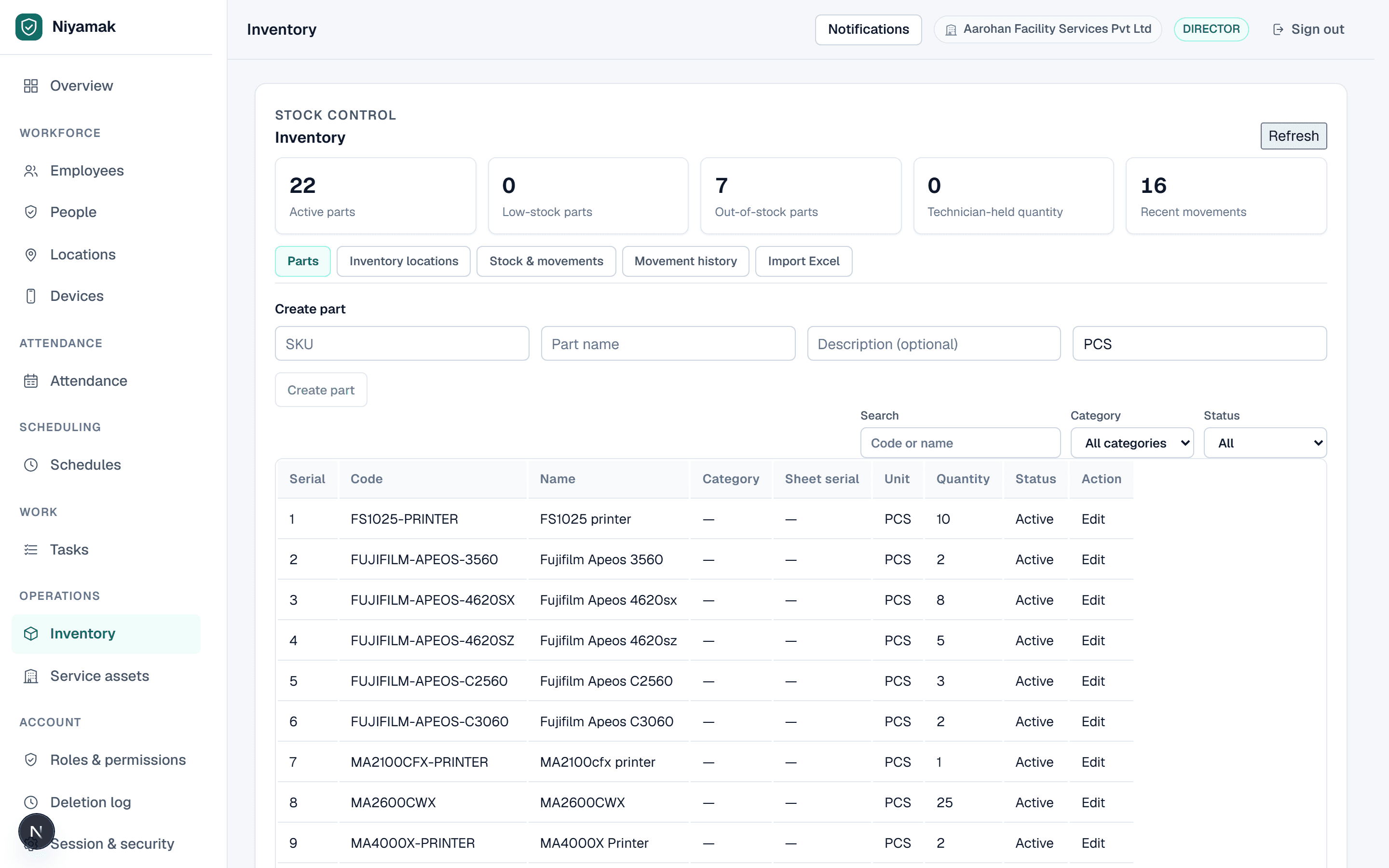
Receive, transfer, issue and adjust stock. Track the engineer's holdings and record parts consumed against work; physical-count reconciliation creates movements instead of overwriting the ledger.
The field app provides the engineer's task workflow and their own relevant records. Management access and review actions are controlled separately through roles and permissions.
Yes. The stock workflow includes movement history, engineer holdings and spreadsheet import with a review step. Ask for a demo using a representative parts sheet and service task.
Bring your locations, shifts or service workflow to a demo.